Install on Tilda — 2 minutes
1 Get your widget code
Create a free account at app.svyazio.com. Go to Settings → Installation and copy the snippet:
2 Paste into Tilda settings
Choose your preferred method:
Method A — Site-wide (recommended): Go to your Tilda project → Site Settings → More → HTML Code → Before </body> tag. Paste the code. The widget will appear on every page of your site.
Method B — Single page: Add a T123 HTML block (Other → HTML code) to any specific page. Paste the widget code. Useful if you want chat only on certain pages.
3 Republish your site
Click Publish (or republish all pages). Tilda caches pages, so you need to republish for the widget to appear.
✓ Chat widget is live!
Your Tilda website now has a professional live chat widget. Visitors can start conversations immediately. You reply from Svyazio's dashboard or mobile app.
Why Tilda users love Svyazio
No coding at all
Tilda users build websites without code. Adding Svyazio follows the same philosophy — paste one snippet, and you're done. No API calls, no configuration files, no terminal commands. If you can use Tilda's settings panel, you can install Svyazio.
Works with every template
Built-in templates, custom Zero Block designs, and landing pages — Svyazio's Shadow DOM isolation guarantees zero CSS conflicts. Your Tilda design remains pixel-perfect.
Multichannel inbox
Website chat from your Tilda site, Telegram bot messages, and emails — all in one dashboard. Don't spread your customer conversations across multiple apps. Svyazio unifies everything.
Custom domain support
Whether your Tilda site runs on a .tilda.ws subdomain or your own custom domain, the chat widget works identically. No additional configuration needed for custom domains.
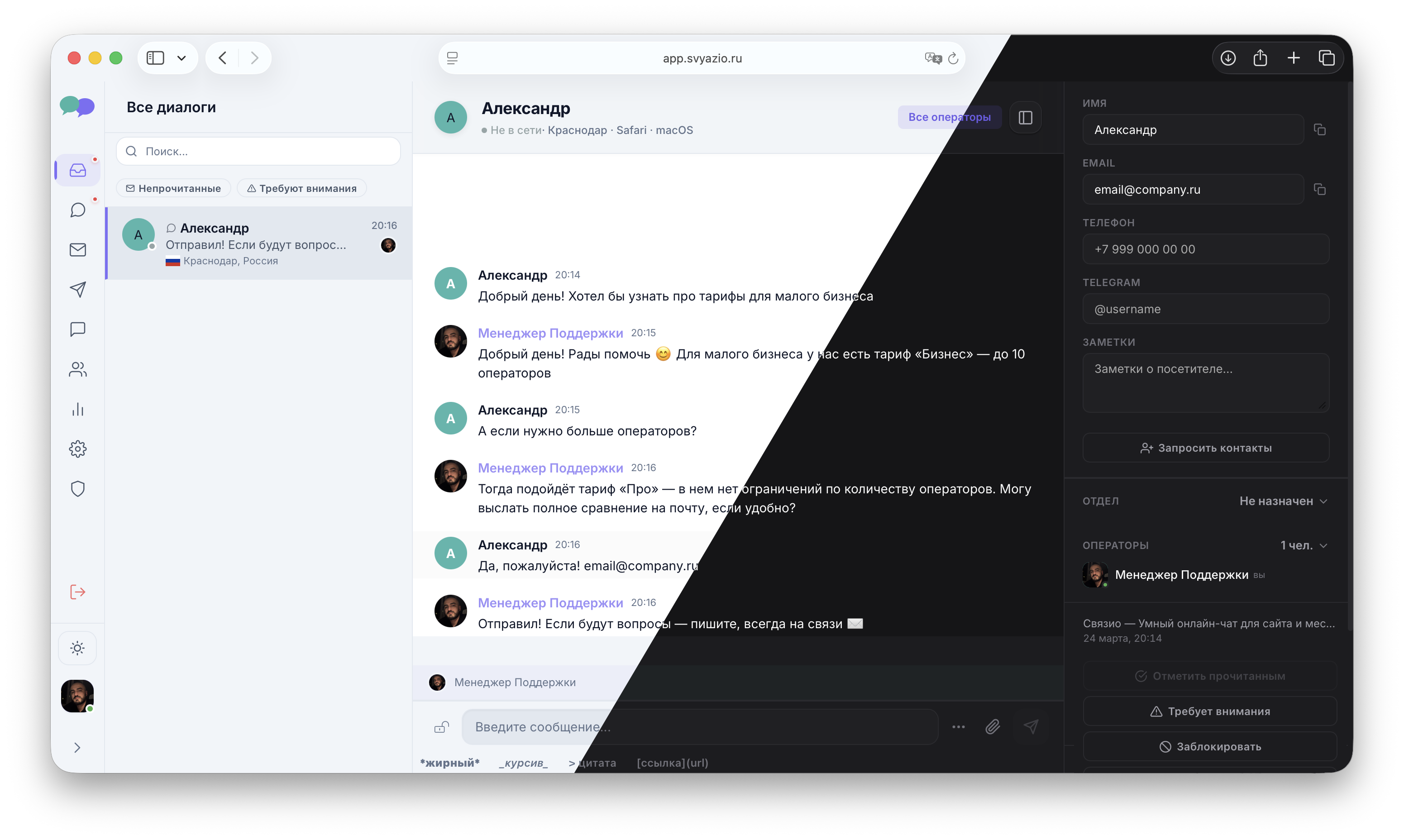
Chat with Tilda site visitors from Svyazio
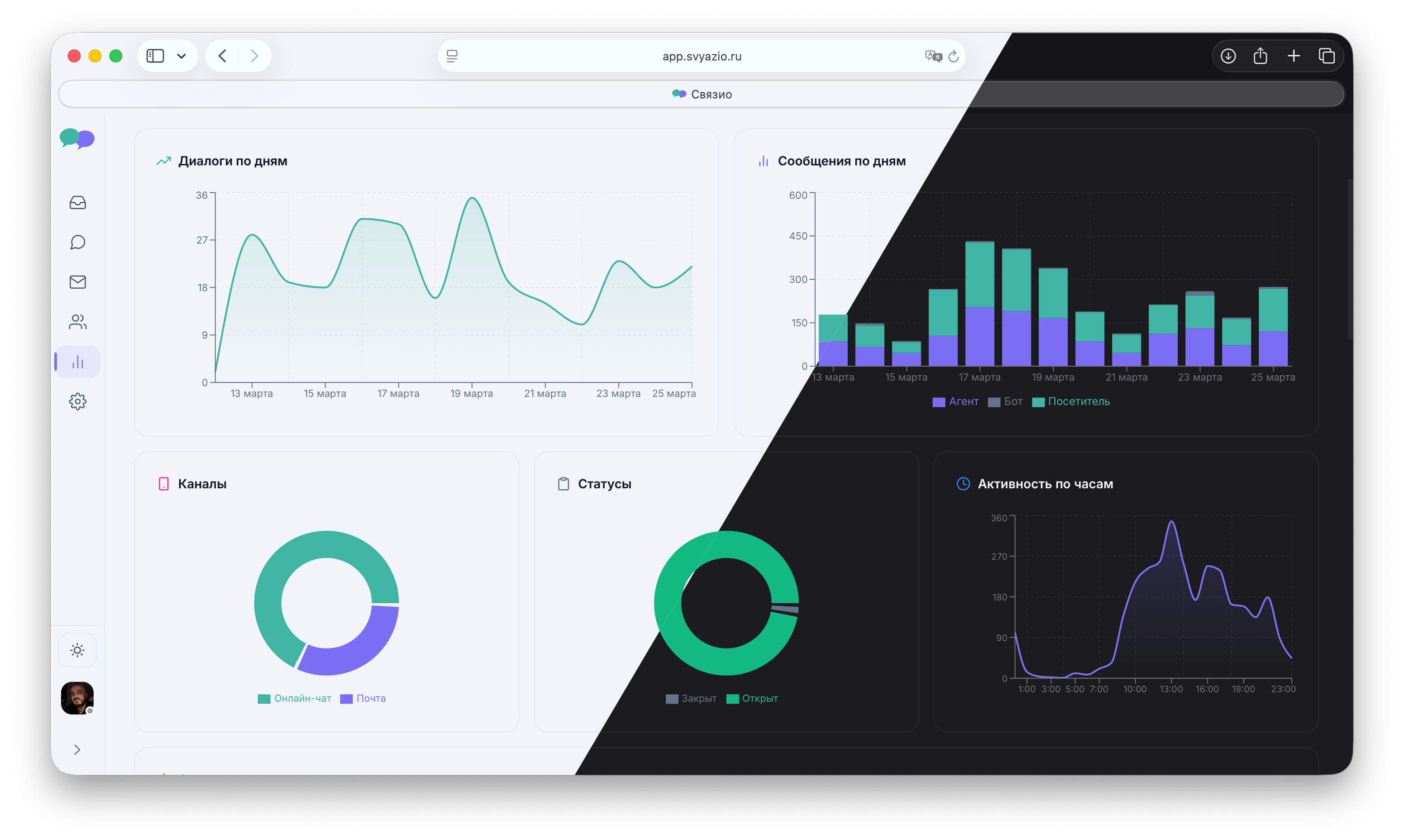
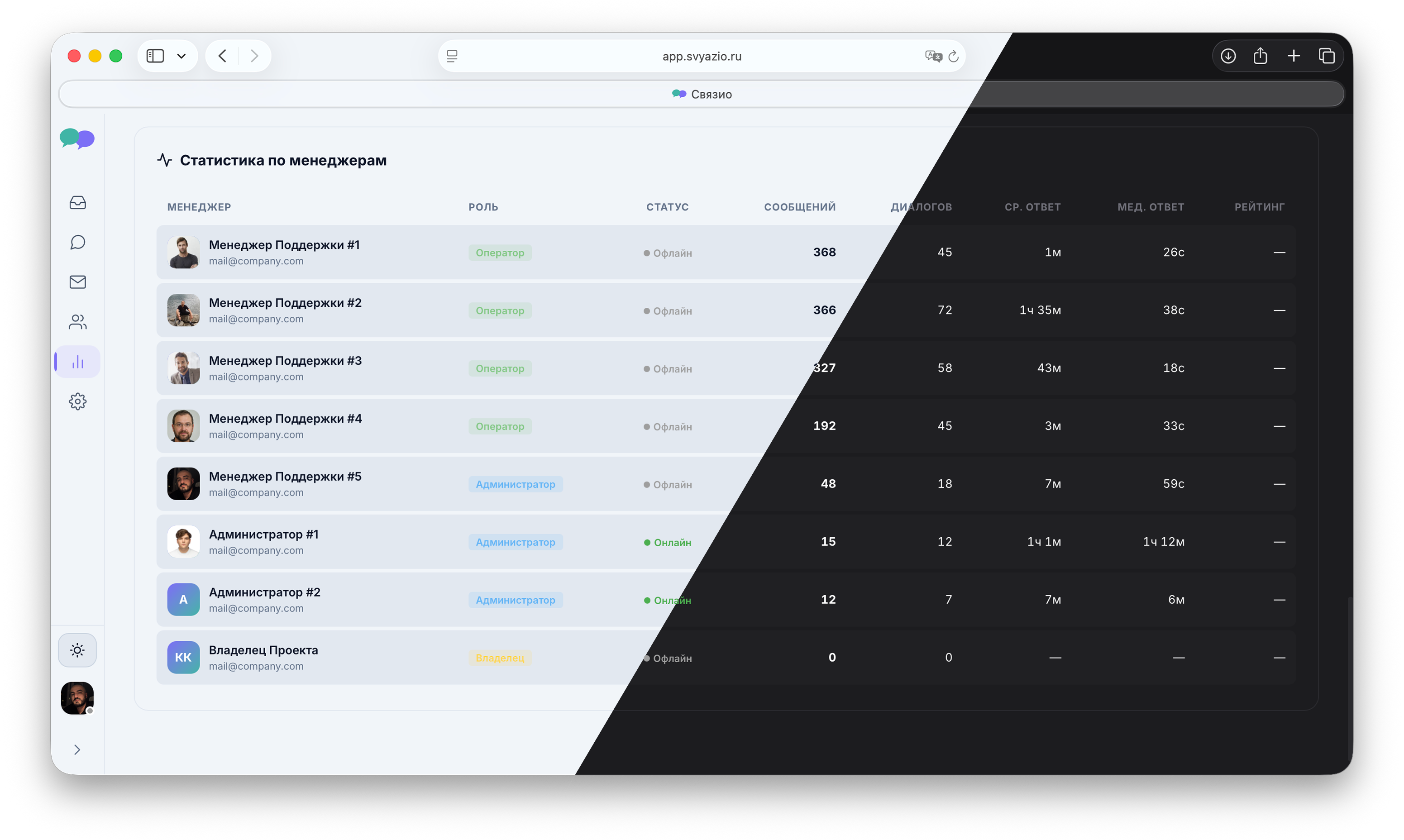
Simple, beautiful dashboard for real-time conversations
Why your Tilda website needs live chat
Tilda is the go-to platform for beautiful landing pages, portfolios, and business websites — especially in Europe and the CIS region. Millions of websites are built on Tilda, from freelancer portfolios to e-commerce stores and service businesses. But many Tilda websites rely on contact forms as the only way for visitors to get in touch.
Contact forms work, but they're slow. A visitor fills out a form, waits hours (or days) for a reply, and often forgets about your service by then. Live chat changes this dynamic completely — visitors get instant answers while they're still on your site, engaged and ready to buy. Research consistently shows that live chat increases conversion rates by 20–40% compared to contact forms alone.
Tilda + Svyazio: perfect for landing pages
Tilda is excellent for creating landing pages that drive traffic from ads, social media, and search engines. But a landing page without live chat is a leaky bucket — you spend money driving visitors to the page, and many leave without converting because they had an unanswered question. "Does this work for my industry?" "What's included in the price?" "Can I get a demo?"
Adding Svyazio turns every visitor into a potential conversation. Instead of hoping they'll fill out a form, you can proactively engage them. And because Svyazio supports Telegram and email alongside website chat, even visitors who leave your landing page can continue the conversation through their preferred messaging app.
Pricing
- Free Starter: 1 agent, 50 conversations/month — perfect for personal sites and portfolios
- Business ($19/mo): email, saved replies, typing preview, internal notes — for service businesses
- Pro ($39/mo): Telegram, AI assistant, departments, analytics, white-label — for agencies and e-commerce
Frequently asked questions
defer. CDN-delivered. Zero impact on page load speed or Core Web Vitals.