How to connect your email
1 Open channel settings
In your Svyazio dashboard, go to Settings → Channels → Email. Click Add Email Account.
2 Enter IMAP credentials
Enter your email address, IMAP server host, port, and password. For Gmail, use imap.gmail.com:993. For Outlook, use outlook.office365.com:993. Svyazio encrypts your credentials with AES-256-GCM before storing them.
3 Enter SMTP credentials
SMTP is used for sending replies. Enter the SMTP server, port, and authentication details. For Gmail: smtp.gmail.com:587. This lets Svyazio send email replies on your behalf — the customer sees the reply coming from your actual email address.
✓ Emails flow into your inbox
New emails sent to your connected address appear as conversations in Svyazio. Reply from Svyazio — the customer receives a normal email. No difference on their end, but you get the power of a unified inbox with chat and Telegram.
What email integration gives you
Emails in chat inbox
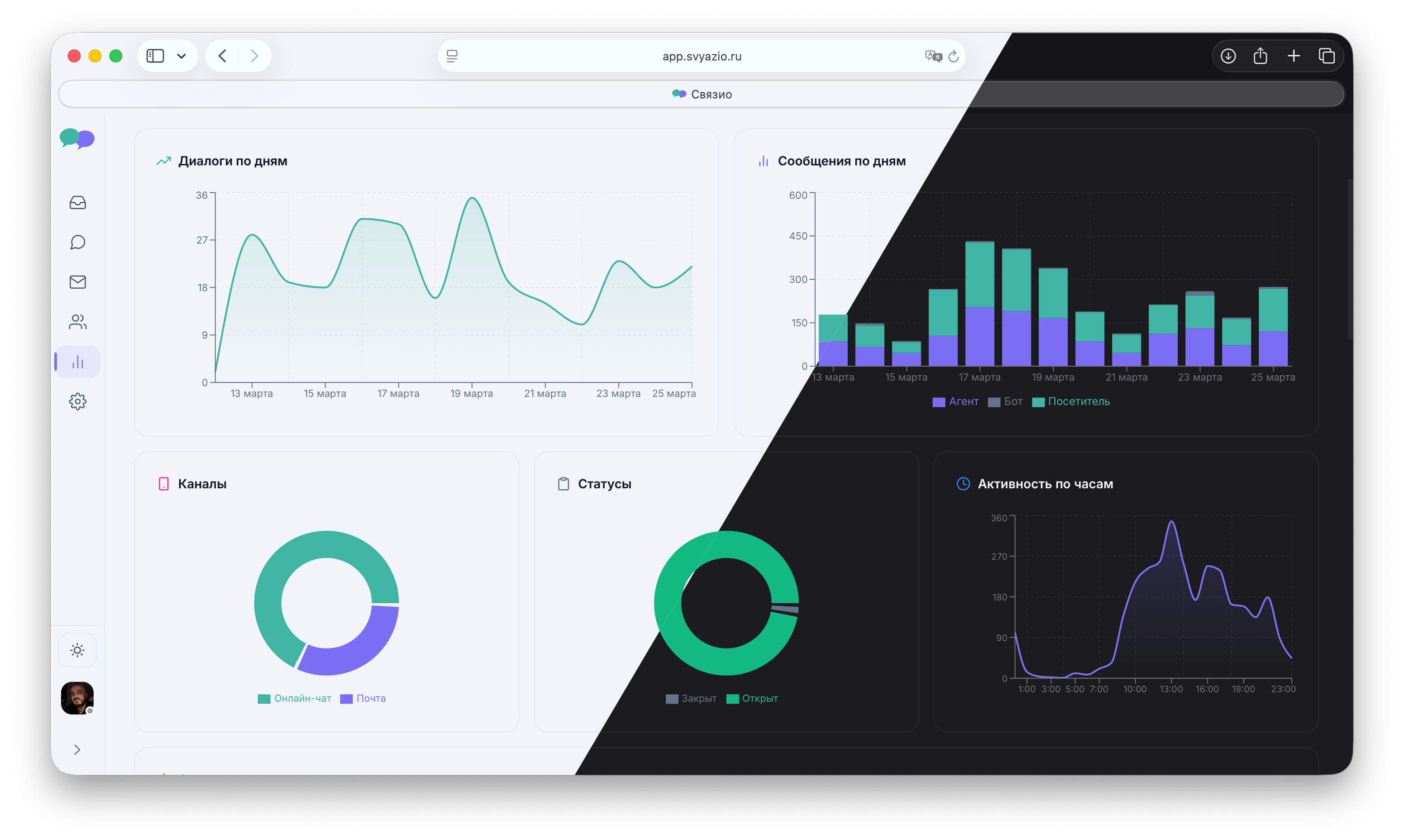
Email conversations appear alongside chat and Telegram messages. No more separate email client. Your team handles all channels in one place — same workflow, same saved replies, same analytics.
AES-256-GCM encryption
Your IMAP/SMTP credentials are encrypted with AES-256-GCM — the same encryption standard used by banks and government agencies. Passwords are never stored in plaintext. All mail server communication uses TLS.
Your email address, your brand
Replies go from your actual email address — support@yourcompany.com. Customers see a regular email, not a third-party system. Your brand identity stays intact across every communication channel.
Up to 10 email accounts
On the Pro plan, connect up to 10 email addresses — support@, sales@, billing@, info@. Each email can be routed to a specific department. Your team sees all accounts in a single, organized inbox.
Cross-channel context
A customer chats on your website, then emails a follow-up. Both appear in the same conversation thread. Your agent sees the full context — no "can you repeat what you said in chat?" No information lost between channels.
Saved replies for email
The same saved replies work across all channels. Write once, use everywhere — whether the customer writes via chat, Telegram, or email. Consistent answers without retyping.
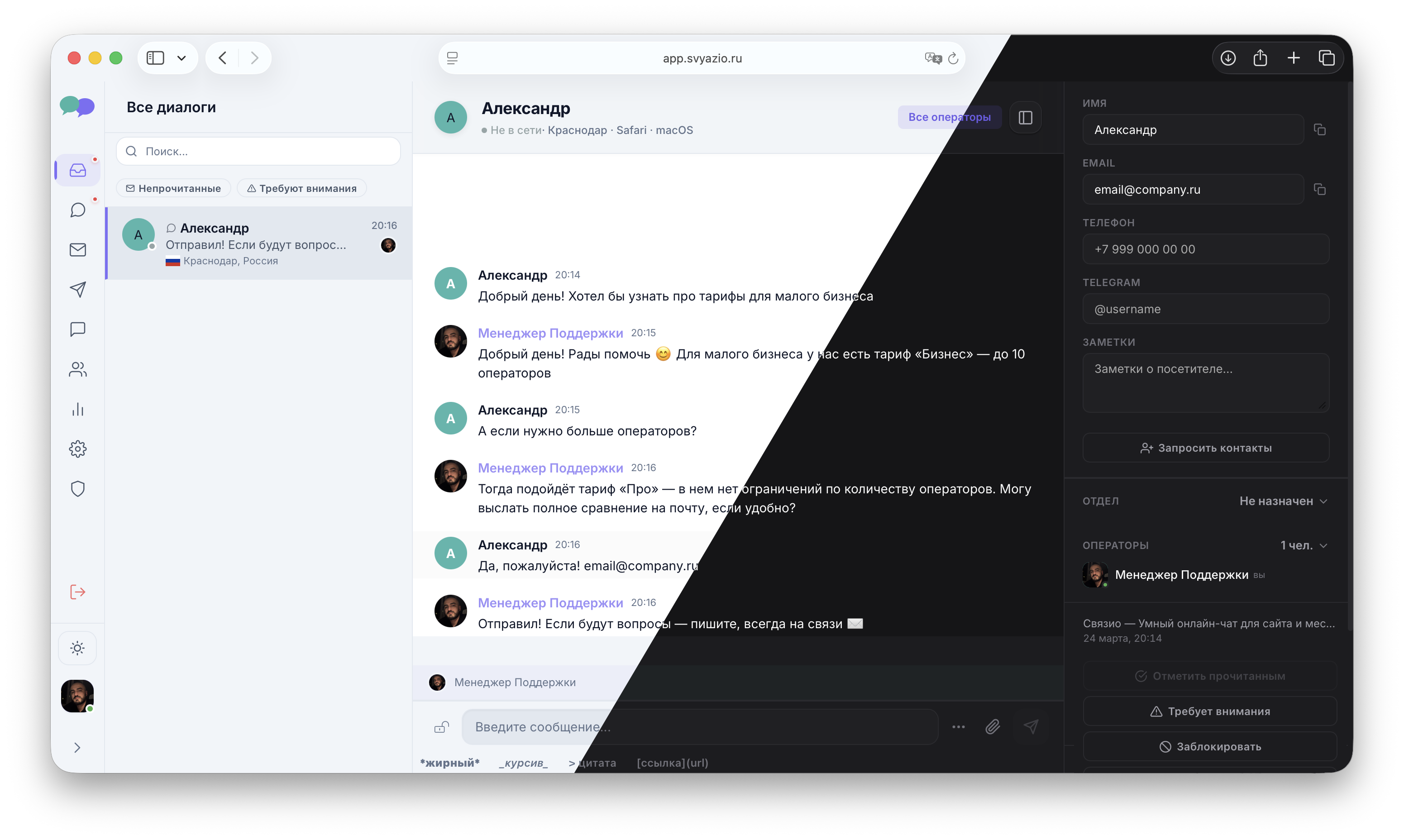
Email conversations in Svyazio
Emails look and feel just like chat conversations
Why integrate email with your live chat?
Email is still the backbone of business communication. According to Statista, over 4 billion people use email worldwide, and 61% of consumers prefer email for non-urgent customer service inquiries. Even with the rise of chat and messaging, email isn't going away — it's just becoming part of a larger multichannel communication strategy.
The problem is fragmentation. Your team manages live chat in one tool, email in Gmail or Outlook, and maybe Telegram in a third app. Context gets lost between channels, agents duplicate work, and customers have to repeat themselves. Integrating email into your live chat inbox eliminates all of this friction — creating a single source of truth for every customer interaction.
Compatible email providers
Svyazio connects to any email provider that supports standard IMAP/SMTP protocols:
- Gmail / Google Workspace: imap.gmail.com / smtp.gmail.com
- Microsoft 365 / Outlook: outlook.office365.com
- Yahoo Mail: imap.mail.yahoo.com / smtp.mail.yahoo.com
- Zoho Mail: imap.zoho.com / smtp.zoho.com
- Yandex Mail: imap.yandex.com / smtp.yandex.com
- Custom domain / self-hosted: Any server with IMAP/SMTP support
Pricing
Email integration starts at the Business plan — $19/agent/month (1 email account). The Pro plan at $39/agent/month supports up to 10 email accounts — so you can connect support@, sales@, billing@, and more. The free Starter plan does not include email. All email credentials are encrypted with AES-256-GCM.