How to install Svyazio on WordPress
1 Sign up at Svyazio
Go to app.svyazio.com and create a free account. No credit card required. You'll have a working dashboard in 30 seconds.
2 Copy the widget code
Go to Settings → Installation. You'll see a code snippet like this:
3 Paste into WordPress
Choose any of these methods:
Option A — Plugin (easiest): Install the free "Insert Headers and Footers" plugin (by WPCode). Go to Code Snippets → Footer. Paste the code. Save. Done.
Option B — Theme file: Go to Appearance → Theme File Editor → footer.php. Paste the code before </body>. Save. Done.
Option C — Elementor: Go to Elementor → Custom Code → Footer. Paste. Save.
✓ That's it!
The chat widget will appear on your WordPress site immediately. No page refresh needed. Works instantly on all pages — homepage, blog posts, product pages, and custom pages.
Why Svyazio doesn't need a WordPress plugin
Plugins are WordPress's biggest performance and security risk. Here's why a simple JavaScript widget is the better approach.
No performance overhead
WordPress plugins execute PHP on every page load — adding database queries, hooking into WordPress lifecycle events, and increasing server response time. Svyazio's JavaScript widget loads asynchronously with defer, adding zero server-side overhead. Your server focuses on serving WordPress, not running chat plugin logic.
No security vulnerabilities
WordPress plugins are the #1 attack vector for WordPress sites. Outdated or poorly coded plugins create security holes. Since Svyazio is a client-side JavaScript widget, it never touches your WordPress database, admin panel, or server filesystem. Zero attack surface.
No update headaches
WordPress plugins need regular updates to stay compatible with core and with each other. Plugin updates can break your site. Svyazio's widget updates automatically — the script URL stays the same, but the widget code is always the latest version. You never need to click "Update" in your WordPress admin.
Shadow DOM isolation
WordPress themes apply global CSS that can break third-party widgets. Svyazio uses Shadow DOM — an isolated rendering context that prevents your theme's CSS from affecting the widget, and prevents the widget from affecting your theme. Guaranteed compatibility with any WordPress theme.
Features WordPress site owners love
WooCommerce integration
Chat appears on all WooCommerce pages. Set auto-messages for product pages ("Need help with sizing?"), cart page ("Ready to checkout? Got questions?"), and post-purchase ("Order confirmed! Need anything else?"). Turn WooCommerce browsers into buyers.
Telegram + Email in one inbox
Your WordPress visitors chat on your site. Some prefer Telegram. Others email. All conversations appear in one unified inbox. Reply from one dashboard — never miss a message, never lose context between channels.
Mobile apps for replies
Get push notifications when someone messages your WordPress site. Reply from iOS, Android, Windows, or macOS apps — even when you're away from your computer. Your WordPress visitors get instant answers, you get happy customers.
Saved replies for speed
WordPress sites get the same questions daily: "Do you offer delivery?" "What are your hours?" "Can I book online?" Create saved replies for common questions and respond in 2 clicks. Handle 5× more conversations without increasing team size.
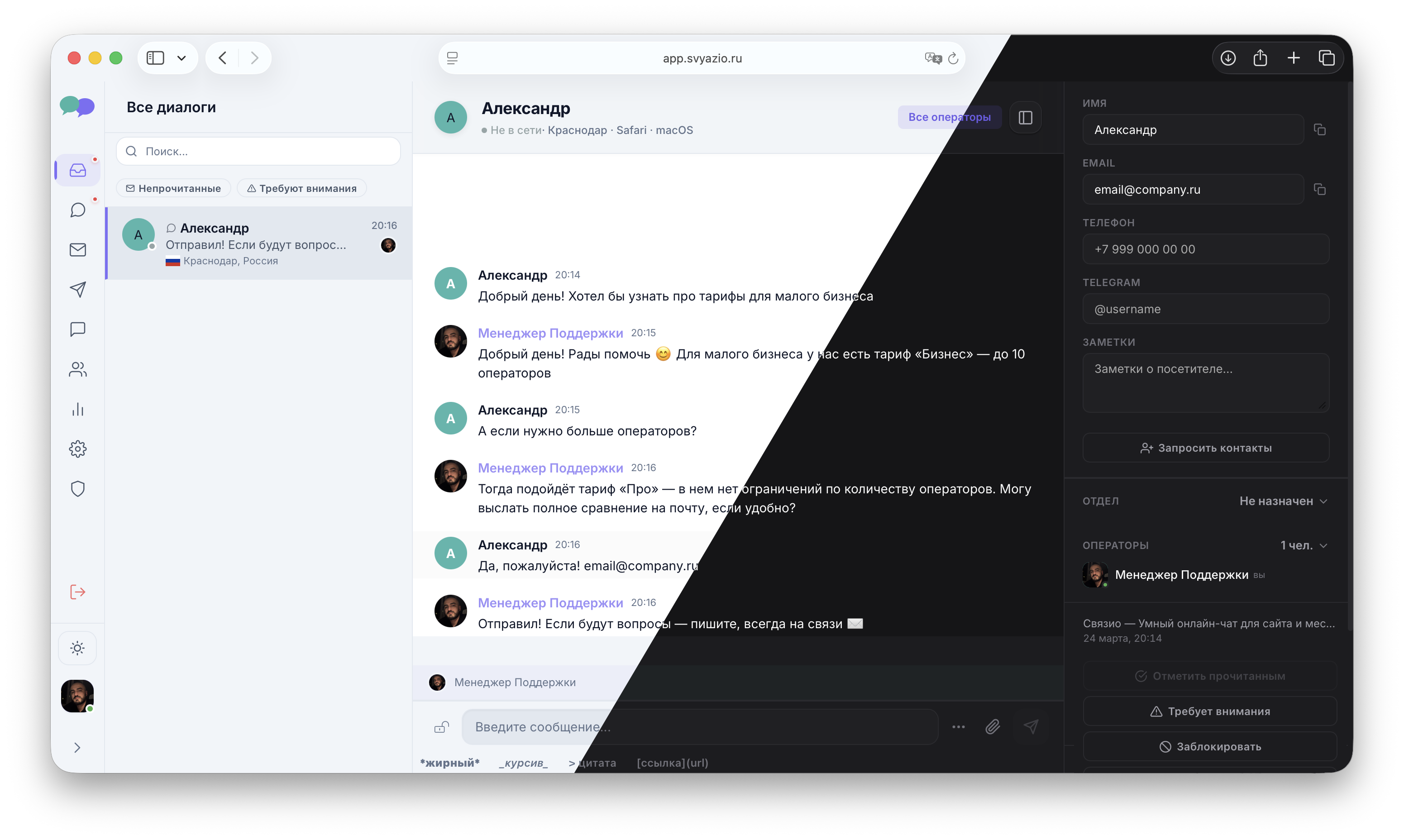
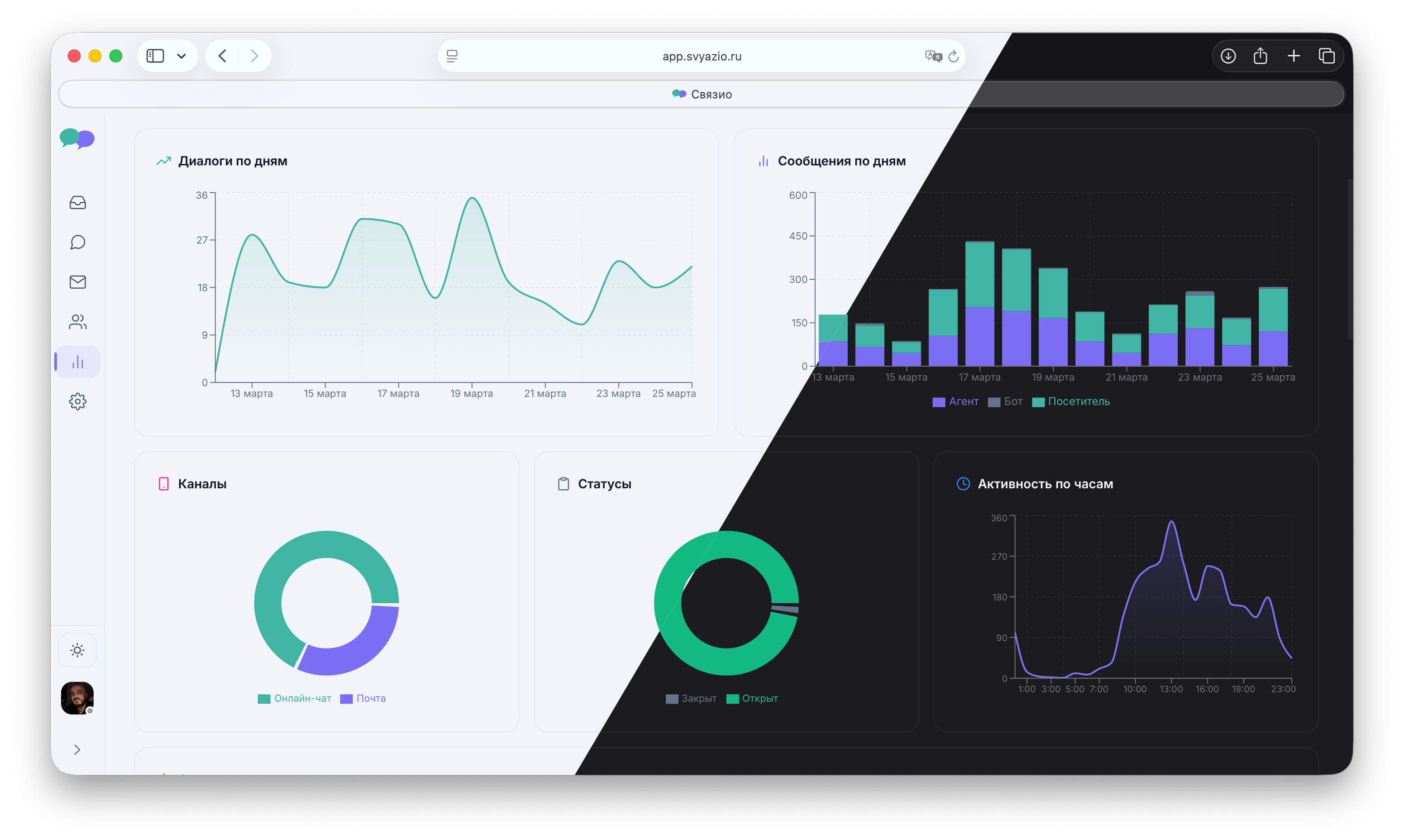
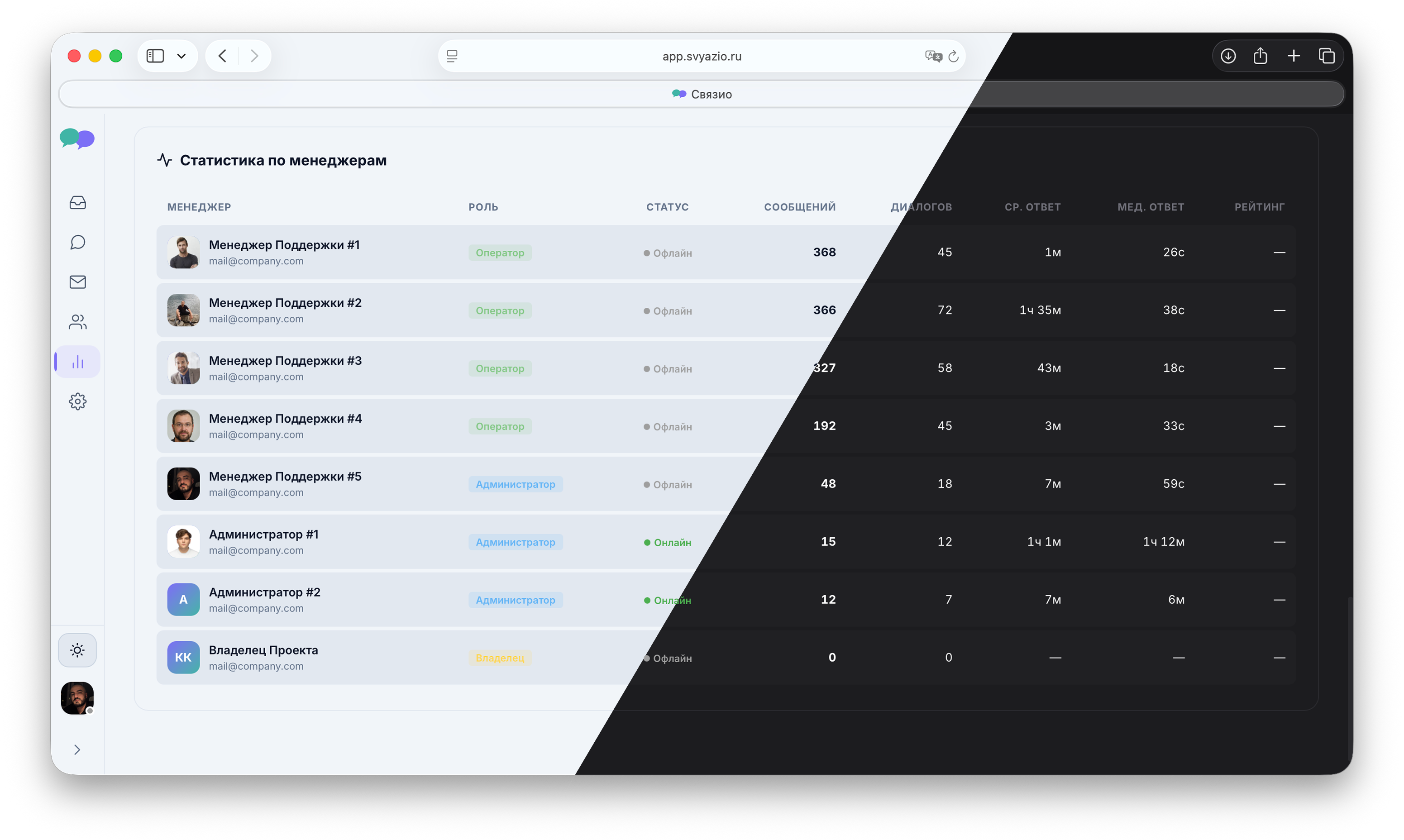
What the dashboard looks like
Simple, clean interface — no learning curve for WordPress users
Why your WordPress site needs live chat
WordPress powers 43% of all websites. Whether you run a personal blog, a business site, or a WooCommerce store, your visitors have questions. Contact forms collect emails, but visitors who need quick answers — "What's your pricing?" "Are you open tomorrow?" "Is this compatible with X?" — won't fill out a form and wait. They'll leave.
Live chat bridges this gap. It gives visitors a way to ask questions instantly, without leaving the page. And for you, it's a direct line to your most engaged visitors — the ones who are actively considering your product or service. Studies show that website visitors who engage in live chat are 82% more likely to make a purchase or contact you for services. That's traffic you're already paying for (through SEO, ads, or content marketing) — live chat simply converts more of it.
Svyazio vs WordPress chat plugins: a comparison
Most WordPress live chat solutions require installing a plugin. While plugins are convenient, they come with real downsides for WordPress sites:
- Performance: Every WordPress plugin adds PHP execution time to every page load. Chat plugins that run server-side queries can add 50–200ms to your page response time. Svyazio loads client-side only — zero impact on server performance and TTFB.
- Security: WordPress plugins are the #1 attack vector. Outdated or poorly coded plugins create SQL injection, XSS, and privilege escalation vulnerabilities. Svyazio runs entirely in the browser — it never touches your WordPress database or server files.
- Compatibility: Plugin conflicts are a WordPress reality. A chat plugin might conflict with your caching plugin, your security plugin, or your page builder. Svyazio's Shadow DOM isolation eliminates this risk — the widget is sandboxed from everything else on the page.
- Updates: Plugin updates can break your site. Svyazio updates automatically via CDN — you don't need to click "Update" and cross your fingers.
Works with every WordPress theme and builder
Since Svyazio is just a JavaScript snippet in your footer, it's completely independent of your WordPress setup. It works with:
- Page builders: Elementor, Gutenberg, Divi, Beaver Builder, WPBakery, Oxygen
- Themes: Astra, GeneratePress, Kadence, OceanWP, Twenty Twenty-Five, any custom theme
- Plugins: WooCommerce, Yoast SEO, Rank Math, WP Fastest Cache, LiteSpeed, Wordfence
- Hosting: SiteGround, Bluehost, Kinsta, WP Engine, Cloudways, self-hosted
Pricing for WordPress users
- Free: 1 agent, 50 chats/month — perfect for blogs, portfolios, and small business sites
- Business ($19/mo): Email integration, saved replies, internal notes, typing preview — great for growing WordPress businesses
- Pro ($39/mo): Telegram, AI assistant, departments, analytics, white-label — the full package for WooCommerce stores and agencies
Frequently asked questions
defer attribute. It doesn't block page rendering or affect Core Web Vitals. Zero server-side processing — unlike plugins that run PHP on every page load.